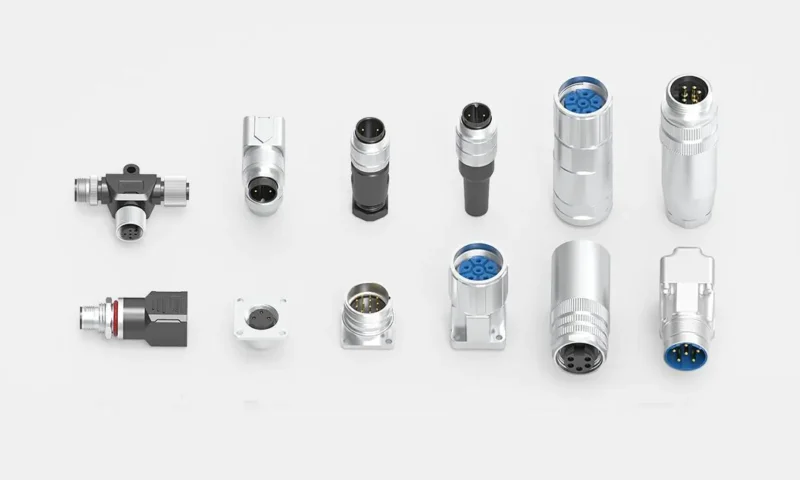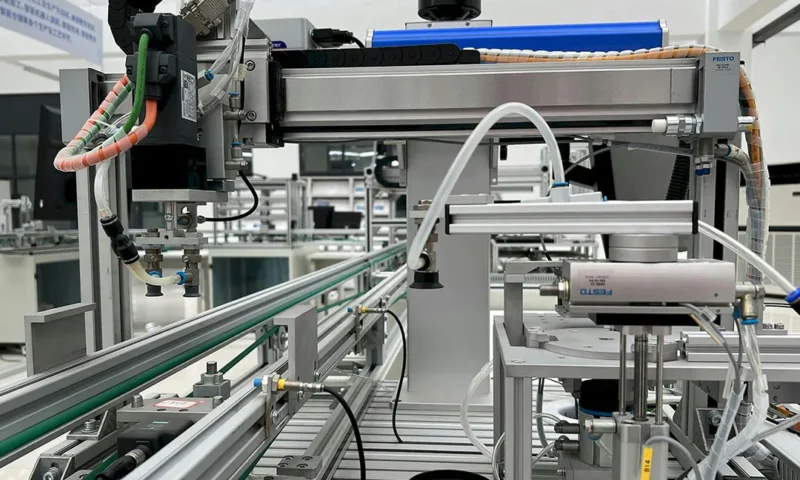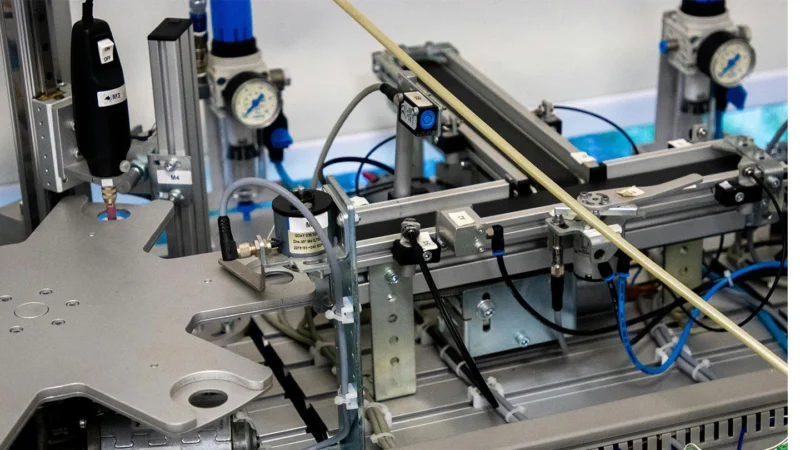
M12 connector is one of the most commonly used circular connectors in industrial robots and automation equipment. However, in field applications, connector failure is a frequent cause of robot downtime, signal loss, and increased maintenance costs.
Based on real-world application feedback, this article summarizes the 6 most common failure modes of M12 connectors and provides corresponding preventive measures. We hope this helps automation engineers and equipment maintenance personnel.
Failure Mode 1: Excessive Mechanical Stress Leading to Pin Recession or Bent Pins
Symptoms:
Abnormal insertion/extraction force, signal loss after mating, pins pushed back into the insulator.
Root Cause:
M12 connectors use a threaded locking mechanism. If the cable is not properly strain-relieved during installation or is subjected to external pulling forces, stress concentrates on the pins, causing deformation or pin recession.
Preventive Measures:
- Add cable strain relief behind the plug to prevent direct transmission of pulling force to the pins
- Use connectors with stable crimping or soldering processes and stronger pin support structures
- Select models with larger pin diameters or built-in pin alignment guides
Failure Mode 2: Incorrect IP Rating Selection Leading to Moisture Ingress and Corrosion
Symptoms:
Oxidation or verdigris inside the connector, increased contact resistance, or short circuits.
Root Cause:
Many users only focus on IP67 and overlook the actual operating environment. Robotic applications may involve oil mist, water spray, high-pressure washdown, or even temporary immersion. Standard IP67 does not guarantee long-term resistance under these conditions.
Preventive Measures:
- Verify the required IP rating for your actual environment (IP65 / IP67 / IP68 / IP69K)
- Check the seal material and compression; choose oil-resistant and high-temperature-resistant sealing materials
- Ensure the threaded coupling is fully tightened during installation to prevent seal misalignment
Failure Mode 3: Bent Pin or Poor Solder Joints Causing High Contact Resistance
Symptoms:
Intermittent signal, overheating, excessive voltage drop, or complete failure after extended use.
Root Cause:
- During assembly of right-angle or solder-type M12 connectors, improper soldering temperature or duration can melt the insulator or displace pins
- Cold or weak solder joints result in abnormal contact resistance
Preventive Measures:
- Prioritize crimp or PCB-through-hole styles to minimize quality risks associated with manual soldering
- If soldered types are necessary, strictly control soldering temperature and dwell time
- Increase sample testing for contact resistance during production runs
Failure Mode 4: Coding Type Confusion or Mismating
Symptoms:
Connectors will not mate; forcing them damages pins or the interface.
Root Cause:
M12 connectors are available in multiple coding options (A-code, B-code, D-code, X-code, etc.), used for signals, power, Ethernet, and more. A-code and D-code look similar externally but have different internal keying features, making mismating common.
Preventive Measures:
- Clearly specify the coding type for each interface during the design phase and note it on drawings
- Use color-coded or labeled cables to distinguish between different coding types during field installation
- Avoid using non-standard connectors with “universal” or interchangeable keying
Failure Mode 5: Cable-to-Connector Mismatch Causing Broken Wires or Pullout
Symptoms:
Cable separates from the connector backshell; internal wires break; intermittent continuity.
Root Cause:
- The cable outer diameter does not match the connector backshell clamping range (too loose or too tight)
- The cable bend radius is too small, causing core wires to break after repeated flexing
- The backshell clamp is not fully tightened or the material has aged
Preventive Measures:
- Select the appropriate backshell size based on the cable’s outer diameter
- For high-flex applications, use connectors with flexible cables and heavy-duty backshell clamps
- Regularly inspect backshell clamp tightness
Failure Mode 6: Threaded Coupling Loosening Under Vibration
Symptoms:
The mated connector gradually loosens, causing signal loss or complete disconnection.
Root Cause:
Industrial robot bodies and moving components generate continuous vibration. The standard threaded coupling of M12 connectors can self-loosen under prolonged vibration.
Preventive Measures:
- Select M12 connectors with anti-vibration washers or locking thread designs
- Apply threadlocker or secondary locking devices on critical interfaces
- Check connector tightness during routine maintenance
Conclusion
M12 circular connectors may seem simple, but improper selection or installation can directly lead to equipment downtime in industrial robots and automation systems.
By identifying these six common failure modes and implementing the corresponding preventive measures, you can significantly improve connector service life and overall system reliability.